Webtoon Vertical Panel Format Guide — Sizes, Spacing & Flow
The complete guide to vertical scroll webtoon formatting — canvas sizes, panel spacing, pacing tricks, and how to build scroll-ready episodes with AI.
Written by Bugra, founder of Gootaku
Quick answer
A webtoon episode is one vertical strip about 800 px wide, uploaded on Webtoon Canvas as image slices no taller than 1280 px each. The spacing between panels is the pacing tool, controlling time, tension and reveals as the reader scrolls.
Contents
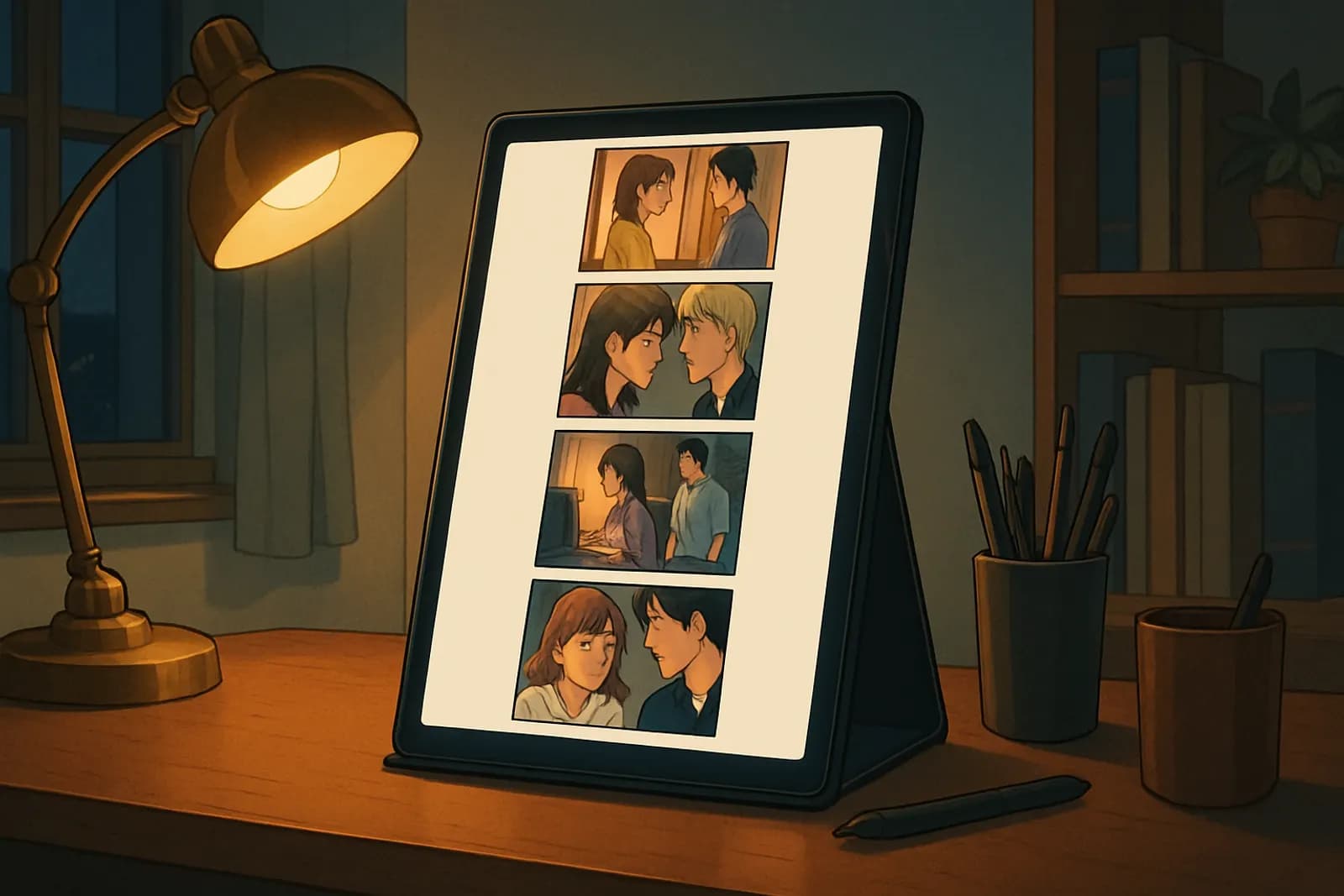
A webtoon episode is formatted as one vertical strip about 800 px wide, uploaded as image slices no taller than 1280 px each on Webtoon Canvas, with the spacing between panels used to control pacing. Vertical scroll comics don't just stack manga panels on top of each other. The scroll is the pacing tool: the space between panels controls time, tension, and reveals. This guide covers the technical specs platforms expect and the formatting habits that make an episode feel professional.
If you want to build the panels themselves with AI, start in the Gootaku Comic Maker — this guide focuses on how to assemble them. Gootaku generates single panels (with a Webtoon art style in Comic mode) and can export a simple "Webtoon Strip" PNG with the panels stacked vertically, but it does not lay out or slice full scroll episodes for you; the canvas, spacing and slicing below happen in your own editing tool.
---
The standard webtoon canvas sizes
Most platforms converge on the same dimensions:
- Width: 800 px is the de facto standard (Webtoon Canvas requires it). Design at 1600 px wide and export at 50% for crisp lines on retina screens.
- Episode height: platforms accept long strips, but slice uploads into chunks — Webtoon Canvas caps each image at 1280 px tall and 2 MB, with up to 100 images per episode.
- Safe margins: keep text and faces at least 60–80 px from the left and right edges. Phones clip less than you think, but thumbs cover more.
A typical episode is 60–90 panels' worth of vertical space, which usually means 15,000–25,000 px of total scroll height.
Panel spacing is your pacing
In print manga, the gutter is fixed. In a webtoon, you choose how long the reader travels between beats:
- Tight spacing (50–150 px): fast conversation, action chains, comedic rhythm.
- Medium spacing (300–600 px): scene transitions, a beat of silence.
- Huge gaps (800–1500 px of near-empty space): dread, anticipation, the pause before a reveal. The scroll itself becomes the page turn.
Composing panels for a narrow strip
- Favor vertical and square panels. Wide cinematic frames shrink to unreadability at 800 px. When you need an establishing shot, make it tall — let the reader scroll down a building or landscape.
- One idea per panel. Vertical readers move fast; dense multi-action panels get skimmed.
- Faces and hands carry the story. Close-ups read far better on phones than full-body wides.
- Direct the eye downward. Diagonals, falling motion lines, and gaze direction should pull toward the next panel, not sideways.
Text and bubbles in vertical format
- Keep bubbles inside the center 70% of the strip width.
- Font size: 28–36 px at 800 px width — smaller than that fails on older phones.
- Break long dialogue across consecutive panels instead of one wall of text; the scroll makes multi-bubble exchanges feel natural. Our speech bubble design guide covers shapes and tails in detail.
Color, tone, and file discipline
Vertical scroll platforms are overwhelmingly full color — flat cel shading with one light source reads best at phone size (see color theory for webtoons). Export as PNG for line-heavy art or JPG at 90% quality for painterly panels, and always preview the sliced episode on an actual phone before publishing.
A practical workflow with AI panels
- Script the episode as a beat list — one line per panel.
- Generate character-consistent panels in Gootaku, keeping characters consistent across panels with a saved character.
- Assemble panels on an 800 px-wide canvas and set spacing per beat: tight for dialogue, huge before the cliffhanger.
- Add bubbles and SFX last (in Gootaku they are added in the editor on top of the art, not drawn by the AI), checking every element against the center-safe zone.
- Slice, upload, and publish — our guides to Webtoon Canvas and Tapas walk through both platforms.
Getting spacing, portrait framing, and character consistency right across 60+ panels is the hard part of a webtoon episode — the Gootaku Comic Maker generates one portrait panel per beat (1 token each) with a saved character reference, so the formatting work above has consistent art to build on. The spacing, slicing and upload are still yours to do. For how wide, tall and square panels compare, read our guide to manga panel aspect ratios.
Try the Comic Maker → — 1 free token to start and 1 more every 2 days, no card required.
---
More ways to bring this to life
FAQ
What size should a webtoon panel be?
Work at 800 px wide (or 1600 px and downscale). Individual panel height is flexible, but each uploaded image slice should be at most 1280 px tall on Webtoon Canvas. Keep text inside the central 70% of the width.
How long should a webtoon episode be?
Most successful episodes run 40–90 panels, roughly 15,000–25,000 px of scroll. Shorter than 30 panels feels thin for weekly readers; longer than 100 becomes hard to sustain on a schedule.
Can I convert manga pages into webtoon format?
Yes, but don't just crop pages into strips. Re-sequence panels into a single column, enlarge faces and key actions, and re-space gutters for scroll pacing. The differences are covered in manga vs comic vs webtoon.
Can AI generate webtoon-ready panels?
Yes — generate portrait panels with consistent characters, then assemble and space them yourself. Gootaku works panel by panel: it generates the art, lets you add bubbles in the editor, and can export a stacked Webtoon Strip PNG, but it does not build a sliced, upload-ready episode automatically.
---
Start free on Gootaku → — 1 free token to start and 1 more every 2 days, no subscription.
---
Keep Reading
- How to Make a Webtoon With AI — complete 2026 guide
- Webtoon / Manhwa Style Guide — Korean vertical comics
- How to Publish on Webtoon Canvas — complete 2026 guide
- AI Webtoon Generator — make vertical comics fast
Ready to create your own manga?
Start free — no credit card required. 1 free AI generation on signup, +1 every 2 days.
Start CreatingOn the go? Get the Gootaku iPhone app.
Related guides
What Is Manhwa? Manhwa vs Manga vs Manhua, Explained
Manhwa (만화) is the Korean word for comics: full-color, often vertical-scroll stories. What manhwa me…
What Is a Webtoon? Definition, Origin & vs Manga
A webtoon is a Korean-origin digital comic built for vertical scrolling on mobile. Here's what webto…
AI Manhwa Generator — Make Webtoon-Style Manhwa Online
Make Korean-style manhwa with an AI manhwa generator — full color, vertical scroll, consistent chara…
Color Theory for Webtoons — A Practical Guide
Color is half of a webtoon's emotional impact. Learn palette construction, mood mapping, and lightin…
How to Turn a Novel or Fanfic Into an AI Manga
A practical workflow for adapting a novel or fanfic into AI manga — what to cut, how to break chapte…
Is AI Manga Art Good Enough to Publish? (2026 Honest Answer)
An honest look at where AI manga generation holds up, where it still falls short, and what "good eno…